
 Moodle Tip of the Week
Filtering the Participants List
? Question: When I go to the Participants list in my course, I see all the students who have dropped or withdrawn. How can I see only the students who are active in my course now?
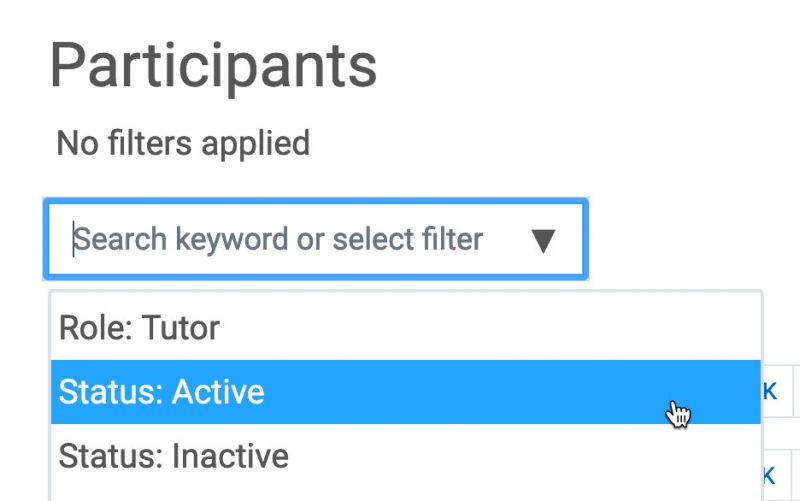
√ Answer: Filter the participants list! When clicking on the Participants tab in the Course Dashboard, instructors will see both students who are "Suspended" who have dropped the course and students who are "Active" who are still enrolled. To see only the students currently enrolled in the course, click on the filter at the top of the page and choose Status - Active. Just so you know, users marked as "Suspended" cannot access the course.
For more information, click here for a Faculty Tutorial.
Questions? Submit a help desk ticket here.