
 Moodle Tip of the Week
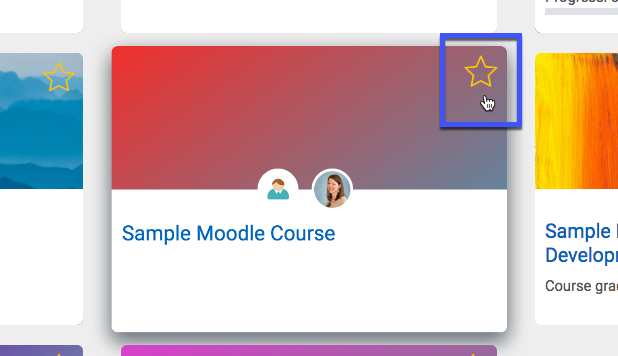
? Question: How do I make sense of all of these courses in the MyCourses area? There are so many!
√ Answer: Now that you have both Fall 2019 and Spring 2020 courses showing up in your MyCourses area, it might be time to "clean house" a bit! We suggest that you highlight (or "favorite") the courses you need to see to organize the layout a bit better.
Another tip: if you're seeing Moodle Development courses or Moodle training courses you no longer need (or just want to hide from view), email us at elearning@southwesterncc.edu, and we'll take care of it! (At the end of December, your Fall 2019 courses will become hidden, but you can always locate them again by clicking on the 2019 tab at the top left of your MyCourses page.)
For a tutorial, click here.
Questions? Submit a help desk ticket here.