 Moodle Tip of the Week
February 11, 2020
? Question: Some of my students didn't turn in an assignment, and I need to insert 0s for them; is there a way to do this more efficiently than entering the same grade for each of them individually?
Or, a more positive spin: All of my students got a 100 on their assignment! Is there an easy way to insert 100 for all of them without typing it over and over?
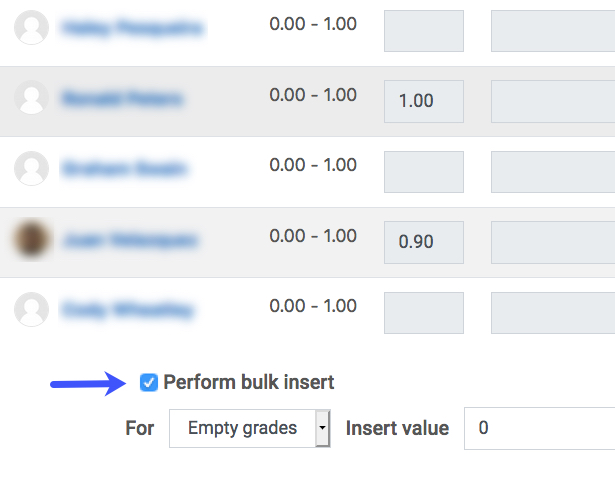
√ Answer: Yes! By using the Perform Bulk Grade Insert option in your Gradebook, you can! Start by going to your Gradebook, then use the drop-down menu to select "Single View." This will allow you to see all of the students' grades for one specific assignment. At the bottom of the screen, you can do a bulk insert of grades for any that are empty.