
 Moodle Tip of the Week
June 9, 2020
Encouraging Academic Integrity via SafeAssign
Encouraging Academic Integrity via SafeAssign
? Question: How can I check student work for plagiarism?
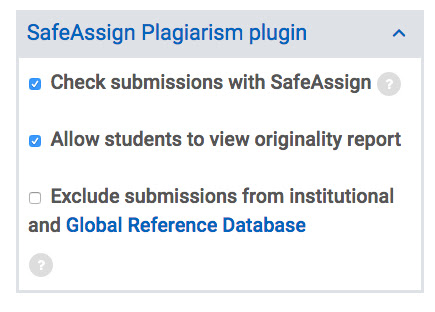
√ Answer: Moodle includes a tool called SafeAssign. SafeAssign compares submitted assignments against a set of academic papers to identify areas of overlap between the submitted assignment and existing works. The Originality Report provided by SafeAssign provides detailed information about the matches found between a student's submitted paper and existing sources. Both instructors and students can use the report to review assignment submissions for originality and create opportunities to identify how to properly attribute sources and paraphrase. For more information about how to use SafeAssign, please use the button below!
For more information, click here for a SafeAssign Tutorial.
Questions? Submit a help desk ticket here.