
 Moodle Tip of the Week
March 20, 2020
Holding Virtual Classes Using Collaborate in Moodle
? Question: How can I hold virtual classes online?
√ Answer: Use Collaborate. This tool works through Moodle, which means your students don't have to download any applications (nor do you!) and it's accessible right in your Moodle courses. Collaborate allows you to hold synchronous meetings with your class as well as schedule office hours. It even allows you to record your meetings so that students can access the recording of the class later on.
Additionally, someone in E-Learning would be happy to drop in on the first Collaborate session you schedule in order to troubleshoot for you or students. Please email us at elearning@southwesterncc.edu to make this request.
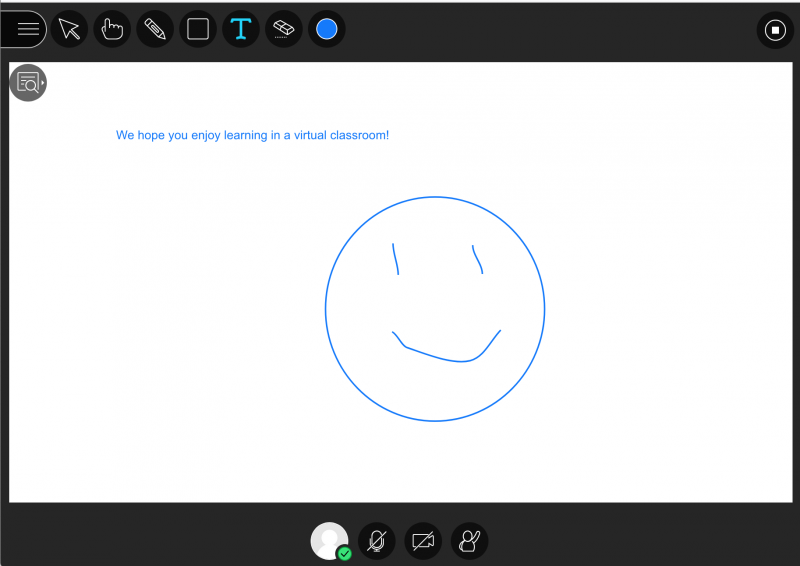
For more information, click here for a Faculty Tutorial.
We also have lots of information for students on accessing the virtual classroom in the Student Orientation course. Here's the link for you to copy and paste to send to your students if you wish:
https://ecampus.southwesterncc.edu/course/view.php?id=6#section-8
Questions? Submit a help desk ticket here.