 Moodle Tip of the Week
May 27, 2020
Finding Hidden Courses
Finding Hidden Courses
? Question: How can I find courses from previous terms or resource courses I've used before?
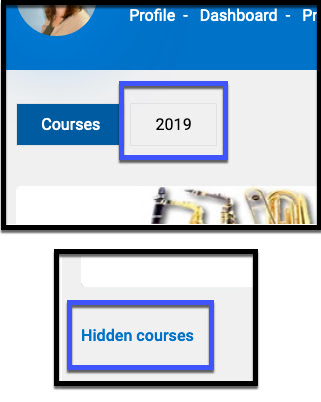
√ Answer: You can find courses from previous terms in your "My Courses" area by clicking on the "2019" link at the top left of the page. If you're looking for hidden resource courses or professional development courses, you can scroll to the bottom of the "My Courses" page and click on Hidden courses to view them.