
 Moodle Tip of the Week
November 12, 2019
? Question: How can you view a student's forum posts in context of the larger discussion when you're grading?
√ Answer: In the Open Grader, use the Group by discussion button! You can also toggle back to Show only user's posts if you like. Group by discussion allows you to see a student's reply in context of the discussion. Show only user's posts allows you to see only the posts of the student you are grading.
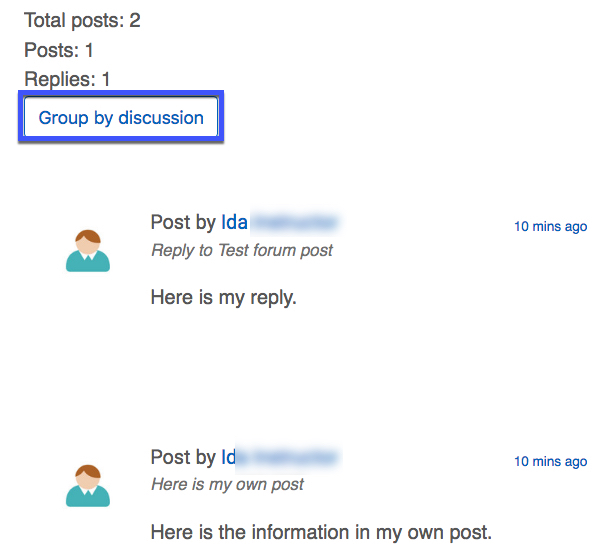
For a tutorial, click here.
Questions? Submit a help desk ticket here.