
 Moodle Tip of the Week
November 26, 2019
This week's tip comes to us from Kirk Stephens, Cyber Crime Technology Program Coordinator/Instructor
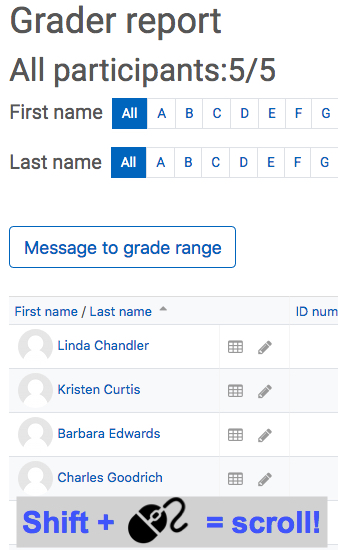
? Question: How can you easily scroll to the right in the gradebook?
√ Answer: Using Google Chrome or Firefox as your web browser, go to the Gradebook of one of your courses and use SHIFT+WHEEL, meaning hold down the shift key on your keyboard, then roll the mouse wheel to scroll right and left. This will also work in the Assignment submissions area and the Quiz attempts area as well!
Questions? Submit a help desk ticket here.